
How to Make a Money Spread AI Meme with Your Own Photo
One photo of an adult who agreed. The cash fan, the bedroom, and the timing are already on the page. No prompt.
Last updated: 2026-10-28
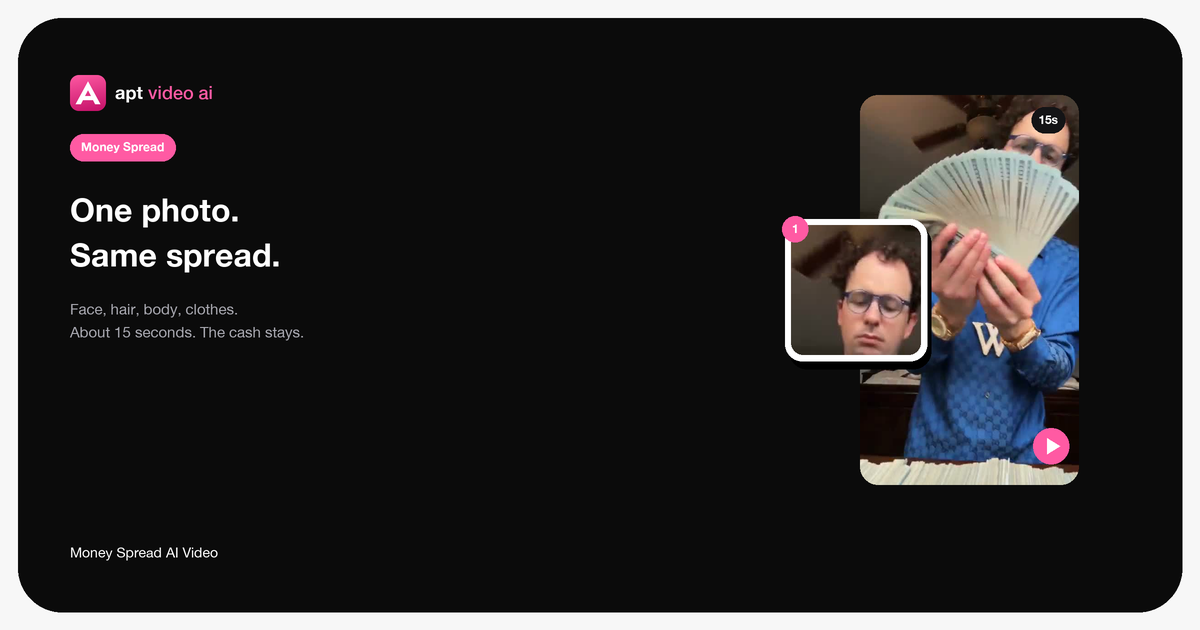
The person at the table is already spreading the cash. You do not film that. You bring one photo, and that photo becomes the person.
That happens on one page. The clip, the room, and the sound are loaded. Sign in, add the photo, then download. You do not hunt for a source file, and you do not open another app to put the audio back.
 Open →
1. The photo
- One adult, and they agreed to appear
- A file you are allowed to use
- Face toward the camera
- Enough light to read the face
- Hair, clothes, and accessories easy to see
- Waist-up is enough
A group photo will not pick one person out of a crowd. A minor does not go in. Sunglasses and anything else covering the face make the result harder to read.
2. One slot
The page has a single upload: 1 · Person at the table.
Face, hair, body, and clothes come from that photo. The shirt and the chain in the source give way to what the photo is wearing. There is no second slot, and there is no orientation picker.
3. Preview, then the file
The preview is free. A finished clip is portrait, about 15 seconds, and it keeps the original sound. It uses 26 credits. Packs start at $9.90. Leave the tab open until the download is ready.
You do not type a prompt. The spreading and the fanning are already in the template.
Where that template lives is in the Money Spread page. What the room keeps is in keeping the movements and the background.