
How to Recreate Money Spread and Keep the Movements and Background
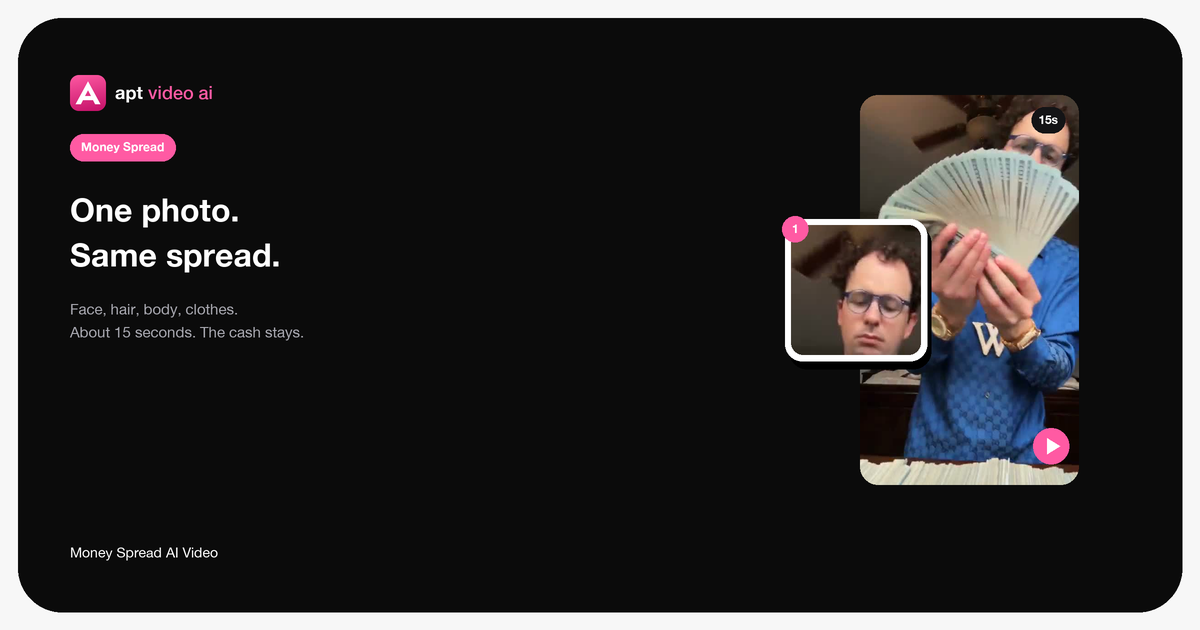
The original clip is the motion and the room. One photo changes the person. The cash fan, the bedroom, and the timing stay.
Last updated: 2026-10-28
The movements stay because the clip is the motion. The background stays because you are not asking a new scene to be drawn. Your photo only brings the person.
Open it here.
 Open →
What changes
One person: the one at the table, spreading the cash.
Face, hair, body, and clothes come from your photo. Accessories follow the photo too. The shirt and the chain in the source give way to whatever that photo is wearing. A pass that only swaps the face would leave those clothes on the body. This page does not do that.
What stays
The bedroom stays. The bed stays. The ceiling fan stays. The table and the stacks of cash stay. Spreading and fanning the bills stay. The camera stays. The timing stays. The original sound stays.
Only that one person should change.
What you do not upload
You do not attach the source video yourself. It is already the template. You do not add a line that says “keep the background.” There is no prompt. One photo, in 1 · Person at the table, is the instruction.
If you want a different room or a different gesture, that is a new video, and this template is the wrong start. For this meme, the room is locked.
Preview first. It is free. A finished file uses 26 credits and runs about 15 seconds. The upload is the same walkthrough as how to make it with your photo. The template page is where the clip already lives.